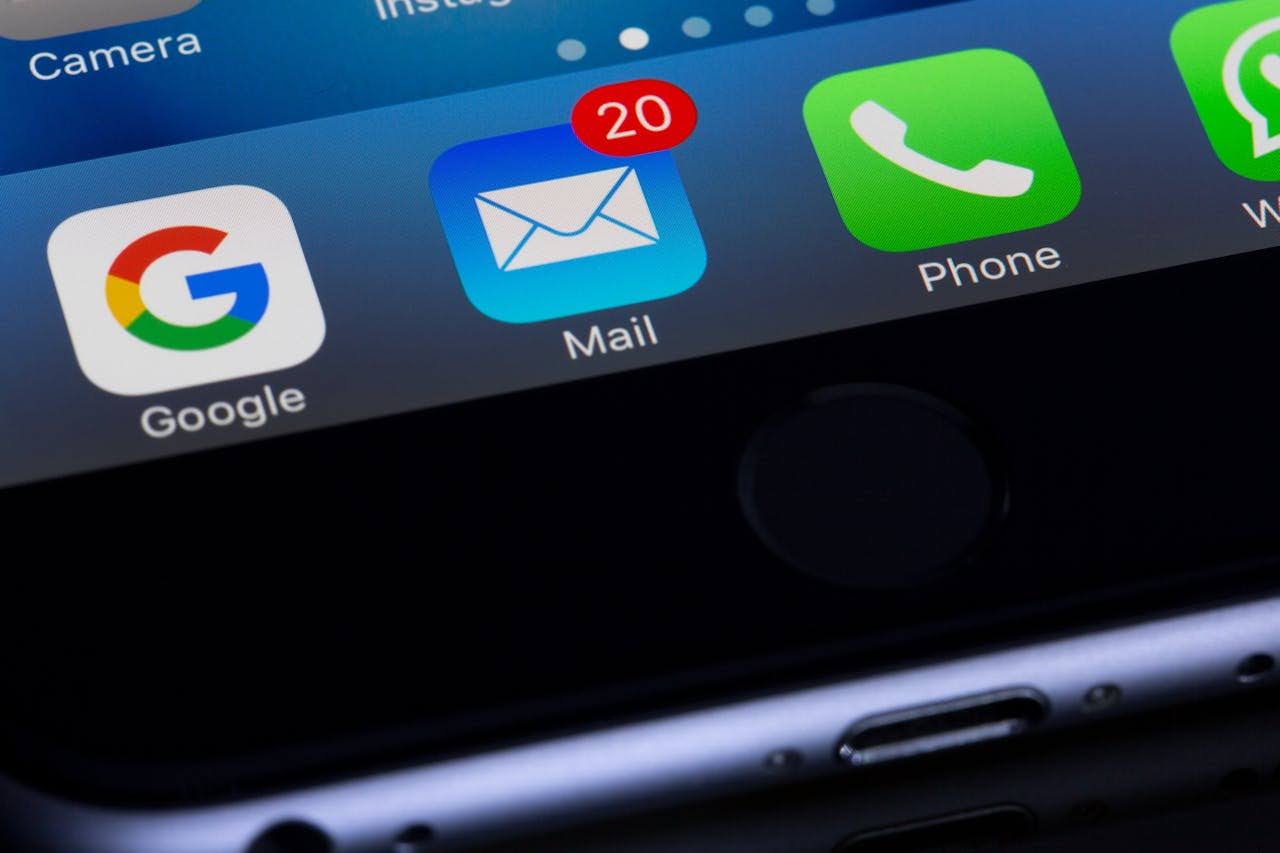

Email is essential these days, but due to our increasing reliance, cybercriminals are finding new ways to exploit it. One of their most successful tactics is sneaking malware onto your system through malicious email attachments.
These files might look harmless, but they are often full of dangerous threats, like ransomware or phishing scams, that can cause huge problems for you, your company, or even a large organization. You need to know the risks involved in clicking on an unknown attachment and understand how to keep yourself safe.
The Hidden Threat Behind Emails
You might receive an email that looks completely legitimate perhaps it’s from a known contact, a service provider, or even your workplace. The message may appear urgent, asking you to open the attached invoice, review an important document, or confirm account details.
Unfortunately, cybercriminals are experts at deception. They often use spoofing and social engineering techniques to make their emails look authentic. Once you download or open that attachment, you may unknowingly grant hackers access to your system and maybe even your entire network.
In a 2024 Cybersecurity Report by Proofpoint, over 85% of data breaches involved some form of human interaction, with phishing and malicious attachments being the leading causes. We can see how easily trust and urgency can be manipulated to bypass even the most advanced security systems.
Types of Hidden Threats
1. Malware Infection
The most common danger of opening suspicious email attachments is malware infection. Malware (short for “malicious software”) includes harmful programs such as viruses, worms, spyware, and ransomware. Once malware is installed, it can:
- Steal sensitive data like passwords, financial details, and personal files.
- Log keystrokes to monitor user activity.
- Corrupt or delete critical system files.
- Spread to other devices on your network.
2. Targeted Phishing and Spear-Phishing
A general phishing email might target thousands of people with a vague threat, but spear-phishing is a highly targeted attack. The criminal performs reconnaissance on the victim or their company and creates an email that appears to come from a known colleague, a trusted vendor, or a senior executive.
For example, a business may receive a personalized email about HVAC Marketing to drive high-quality traffic, making the attachment look legitimate and necessary to open. The personalization will increase the success rate of the attack, as the victim’s guard is lowered.
3. Business Email Compromise (BEC)
In business email compromise schemes, attackers impersonate executives or trusted vendors to trick employees into transferring funds or sharing confidential data. A single malicious attachment often initiates the attack by installing software that allows hackers to spy on corporate communications.
Once inside, they can monitor email threads, identify financial workflows, and time their scams to perfection. For example, an employee in accounts payable might receive a realistic “invoice” from what appears to be a known supplier.
By the time the fraud is detected, the funds are usually unrecoverable. According to Verizon’s 2025 Data Breach Investigations Report, the total losses for BEC attacks reached $6.3 billion globally.
4. Data Breaches and Corporate Espionage
In large organizations, a single infected attachment can compromise an entire network. Hackers often target companies with sensitive data like healthcare providers, financial institutions, and government agencies but even small businesses are not immune.
Once malware spreads through internal systems, attackers can exfiltrate data such as employee records, trade secrets, and customer information. The consequences include regulatory penalties, legal action, and loss of customer trust.
5. System Hijacking and Network Control
Some attachments install remote access trojans (RATs) which are malicious programs that give hackers complete control over your device. Once installed, these programs allow attackers to:
- Access files and apps remotely.
- Turn on webcams or microphones to spy on users.
- Use your system as part of a botnet (a network of hijacked computers) to launch larger attacks.
Financial and Reputational Loss

When a cyberattack begins with a simple email attachment, the ripple effects can be massive. Individuals may face unauthorized charges or identity theft, while businesses can lose both customers and credibility.
Beyond direct losses, you must deal with incident response costs, legal fees, and regulatory compliance fines. For small businesses, these costs can be devastating with studies showing that 60% of small companies close within six months of a cyberattack.
Also, rebuilding customer trust after a breach can take years. A single click on the wrong file can tarnish even the most respected brand.
How to Protect Yourself and Your Business
The good news is that most attachment-based threats can be avoided with awareness and proactive cybersecurity measures. Here’s how:
1. Verify the Sender
Always check the sender’s email address carefully even if it appears familiar. Cybercriminals often use domains that look almost identical to legitimate ones (e.g., “@paypa1.com” instead of “@paypal.com”).
2. Be Skeptical of Urgency
Messages demanding immediate action (“Your account will be suspended!”) are red flags. Slow down, verify the source, and confirm through another channel before opening any attachments.
3. Use Strong Security Software
Invest in robust antivirus and email filtering systems that automatically detect and quarantine suspicious files. Keep your software updated to guard against emerging threats.
4. Avoid Downloading Unknown File Types
Executable files (.exe, .bat, .vbs) are dangerous. Unless you’re expecting them from a trusted source, never download or open these formats.
5. Implement Employee Training
For businesses, human error remains the biggest vulnerability. Regular cybersecurity training helps employees identify phishing attempts and follow safe email practices.
6. Use Cloud-Based Collaboration Tools
Instead of emailing documents as attachments, use secure, cloud-based platforms (like Google Drive or SharePoint) to share files. These platforms add extra layers of security and visibility.
7. Enable Multi-Factor Authentication
Even if credentials are stolen, MFA prevents unauthorized access by requiring a second verification step such as a code sent to your phone.
Endnote
Ultimately, a single compromised email attachment can trigger a snowball of negative consequences affecting your business. Cybersecurity is a necessity, similar to physical security in the real world.
For those managing personal assets and businesses protecting sensitive data, vigilance is the most effective initial defense. Exercise caution, verify all sender identities, and ensure you make the necessary investments in security technology and team training.

Raghav is a talented content writer with a passion to create informative and interesting articles. With a degree in English Literature, Raghav possesses an inquisitive mind and a thirst for learning. Raghav is a fact enthusiast who loves to unearth fascinating facts from a wide range of subjects. He firmly believes that learning is a lifelong journey and he is constantly seeking opportunities to increase his knowledge and discover new facts. So make sure to check out Raghav’s work for a wonderful reading.