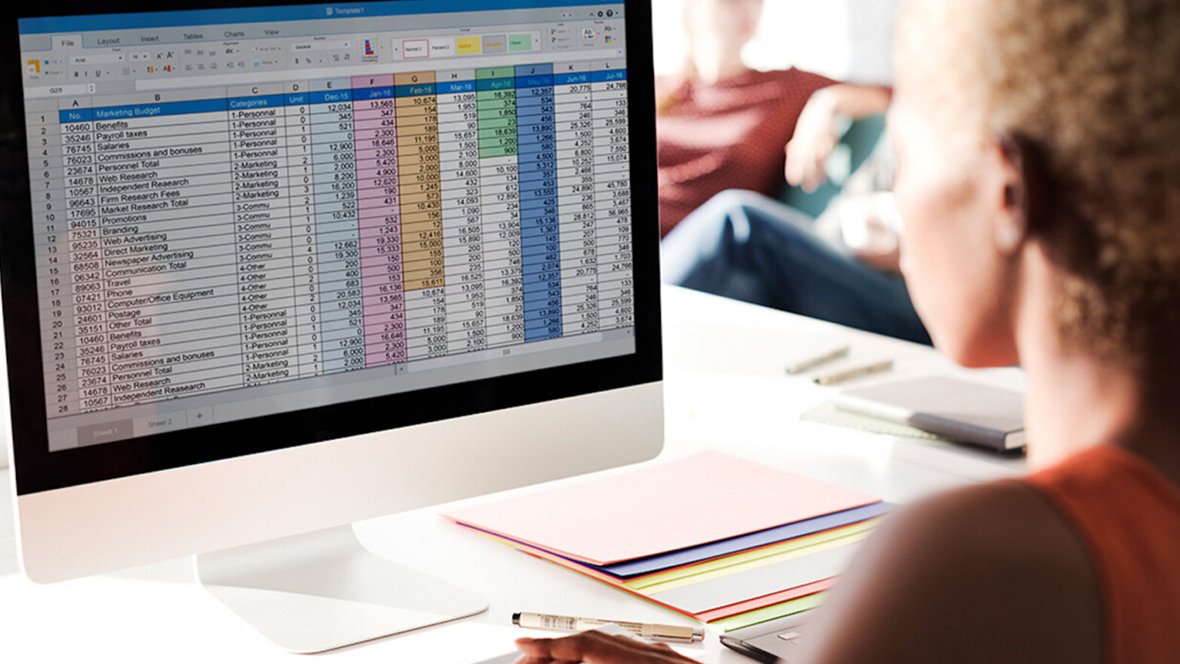

Excel still dominates hiring. In 2025, U.S. employers referenced it in 3.2 million job postings—almost four times as often as Python and nine times Power BI. That gap signals two takeaways: Excel mastery lifts your résumé, and choosing the right credential is now critical. We scanned the full landscape—from proctored certifications to quick-course badges—and distilled the five credentials that prove advanced skills for 2027. You’ll see exactly which one matches your goals and budget.
Quick answer: which Excel credential should you trust?

Short on time? Start here.
GoSkills Microsoft Excel 365 – Basic & Advanced is the most practical learning path if you need skills quickly. Complete the 26-hour syllabus within a single $39 subscription month and leave with a CPD-accredited completion certificate.
MOS Excel Expert (MO-211) is the leading formal credential. The 50-minute, proctored Microsoft exam costs about $100 and adds “Expert” to your public transcript for five years.
Need a niche edge? Microsoft’s Coursera Professional Certificate centers on Copilot prompts and VBA automation; CFI’s Data Analysis in Excel specialization drills into Power Query, Power Pivot, and finance models; and the adaptive Tosa Excel Certification rates you on a 1–1,000 scale, certifying any score of 351 or higher.
Advanced Excel certifications at a glance
Need the fast version? This grid shows how each program compares on credential tier, skills, cost, and renewal so you can jump to the option that fits.

| Program | Best for | Credential tier | Signature 2027 skills | Assessment | Typical seat time* | Up-front cost** | Renewal |
| GoSkills Excel 365 – Basic & Advanced | Guided learning on a budget | Course certificate | Modern formulas, PivotTables, Power Query, entry-level VBA | Lesson quizzes + project files | ≈ 26 hrs | $39 (1-mo sub) | — |
| MOS Excel Expert (MO-211) | Formal résumé proof | Proctored certification | Advanced formulas, macros, charts, tables | 50-min in-app exam | Self-paced prep | $100 exam | 60 mo |
| Microsoft Excel Pro Cert (Coursera) | Copilot, VBA, automation | Professional certificate | Copilot prompts, VBA, dashboards | Course quizzes + peer projects | ≈ 3 mos | $59/mo sub | — |
| CFI Data Analysis in Excel | Finance, Power Query + Power Pivot | Specialization certificate | Power Query, Power Pivot, DAX, finance models | Course quizzes + case files | ≈ 30 hrs | $497 annual pass | — |
| Tosa Excel Certification | Adaptive skills validation | Proctored certification | Formulas, data analysis, formatting | Adaptive in-app exam | Diagnostic + exam | $109 exam | 36 mo |
*Provider-estimated study time, assuming prior Excel familiarity.
**Snapshot of U.S. pricing on October 13 2026. Always confirm live prices and taxes before enrolling.
Five options, five distinct personalities. The next sections unpack strengths, trade-offs, and ideal use cases for each.
1. GoSkills Microsoft Excel 365 – Basic & Advanced: best overall learning program
Program overview
GoSkills breaks learning into 61 micro-videos, about 26 hours end to end, each paired with a practice file so you test every formula in real time.

GoSkills Microsoft Excel 365 – Basic & Advanced Course Page Screenshot.
Curriculum currency
The October 2026 syllabus already covers XLOOKUP, dynamic arrays, LET, and Power Query, alongside classics like INDEX-MATCH. Those modern functions now appear in many pre-hire Excel tests, so you will not lose time on 2010-era methods.
Price and credential
Most motivated learners finish within a single $39 one-month subscription, then download a CPD-accredited course-completion certificate. Remember, this is a course-completion credential, great for skills growth, but it will not replace a proctored exam on your résumé.
Why we recommend it
If you need practical skills quickly, not a testing-center appointment, GoSkills provides the broadest modern-Excel refresh for the lowest cash and calendar cost.
2. MOS Excel Expert (MO-211): best formal certification
Why this one matters
When a job ad lists Microsoft Office Specialist preferred, it points at MO-211. The 50-minute, performance-based exam, delivered in Certiport centers or through approved online proctoring, scores your workbook tasks on a 1 000-point scale. You need 700 or higher to pass, and Microsoft adds the result to a public transcript recruiters can verify.
Cost, renewal, and version
- Exam fee: $100 in the United States
- Credential life: 60 months, then retake or earn a newer version
- Version tested: Excel for Microsoft 365 Apps; no retirement date listed as of October 13 2026
Snapshot verdict
Hard, proctored proof with global recognition at a modest entry cost. Power Query, DAX, and Copilot are not covered, so pair it with a Power Query or Copilot mini-course to close the modern-Excel gap.
3. Microsoft Excel Professional Certificate (Coursera): best for AI and automation
Why this track stands out
This four-course Microsoft series pairs classic Excel with macros, VBA, and Copilot prompts, turning plain-English requests into working dashboards. It is designed for analysts who value time savings over formal exam titles.
Cost and licence caveat
Coursera charges $59 per month; complete the work in three months and tuition is about $177. You also need a Microsoft 365 commercial or EDU plan plus the $30 per user per month Copilot add-on to follow the AI labs.
Where it fits
Choose this path if you already have Microsoft 365 with Copilot and want portfolio-ready projects that show you can automate reports, not just write formulas. Remember, the completion certificate is un-proctored, so pair it with a visible project if the job ad calls for formal proof.
4. CFI Data Analysis in Excel Specialization: best for finance and data transformation
Why finance teams rave about it
Corporate Finance Institute (CFI) built its name on Wall-Street-level modelling, so this five-course path goes far beyond a simple PivotTable. It dives into Power Query, Power Pivot, and DAX, the trio FP&A teams use to refresh multi-table statements in seconds.
Cost and pace
CFI sells an all-access pass for $497 per year, which unlocks this 30-hour specialization plus more than 100 other finance courses. Complete the track, score 80 percent or higher on each quiz, and download a specialization certificate that also counts toward CPE credits for many accounting bodies.
Keep in mind
The price feels steep if you want only this path, and there is no proctored final exam; your proof is the downloadable dashboards you build along the way.
5. Tosa Microsoft Excel Certification: best adaptive assessment
Why it stands out
Most tests return only pass or fail. Tosa gives you a 1–1 000 score that maps to beginner, intermediate, advanced, or expert. The question set adapts in real time: ace an early task and the next one gets harder; stumble and it eases back, so employers see exactly where you excel and where you need practice.
Snapshot verdict
Adaptive scoring and remote convenience make Tosa useful if you already have the skills and want a numeric benchmark, especially outside the United States where universities and ministries often prefer score-based credentials. Just remember that U.S. recruiters still recognise MOS faster, and deep VBA appears in a separate Tosa exam.
How to choose the right Excel certification

Administrative staff need résumé recognition; choose MOS.
Finance teams need data models; choose CFI.
Data analysts need AI and scripting; choose Microsoft / Coursera.
Marketing managers need quick dashboards; choose GoSkills.
Public-sector educators need renewable scores; choose Tosa.
Conclusion
There is no single “best” Excel credential for 2027, only the best fit for your goal. Pick a proctored exam such as MOS or Tosa when you need proof a recruiter can verify, and a guided course when you need the skills themselves. If you also want to turn your spreadsheets into visual reports, pair your Excel credential with one of these Excel and Tableau courses with guided projects.

Raghav is a talented content writer with a passion to create informative and interesting articles. With a degree in English Literature, Raghav possesses an inquisitive mind and a thirst for learning. Raghav is a fact enthusiast who loves to unearth fascinating facts from a wide range of subjects. He firmly believes that learning is a lifelong journey and he is constantly seeking opportunities to increase his knowledge and discover new facts. So make sure to check out Raghav’s work for a wonderful reading.